Forum Replies Created
-
AuthorPosts
-
March 2, 2021 at 1:17 pm in reply to: Adding features to Alchemist pro – how can I do these please. #275610
 SakinKeymaster
Hi Michael,
1. For menu changes please add the following CSS on the “Appearance => Customize => Additional CSS” box:
/* Menu item Hover & Active Text Color */
.site-navigation li a:hover,
.site-navigation li a:focus,
.site-navigation .current_page_item > a,
.site-navigation .current_page_item > a {
    color: #e1716b;
}

@media screen and (min-width: 64em) {
	/* Menu Background Color */
	.site-primary-menu,
	.site-navigation ul ul,
	.site-navigation ul ul li,
	.search-container {
		background-color: #000;
	}
	/* Menu Text Color */
	.site-navigation a,
	.social-navigation a,
	.menu-search-main-toggle {
	    color: #fff;
	}

	/* Sub-menu Border and Color */
	.site-navigation .menu-item-has-children > ul,
	.site-navigation .page_item_has_children > ul {
		border-top: 3px solid #e1716b;
	}
}
2. On the slider of the Adventurous Pro theme, there is only image opacity on hover and there is no overlay. Also, I don’t see any content alignment feature on the slider. If you want the same opacity CSS then you can add the following CSS:
#feature-slider-section .slides:hover img, #feature-slider-section .slides:focus img { opacity: 0.9; }SakinKeymasterIt’s working on both the iPhones I tested from.
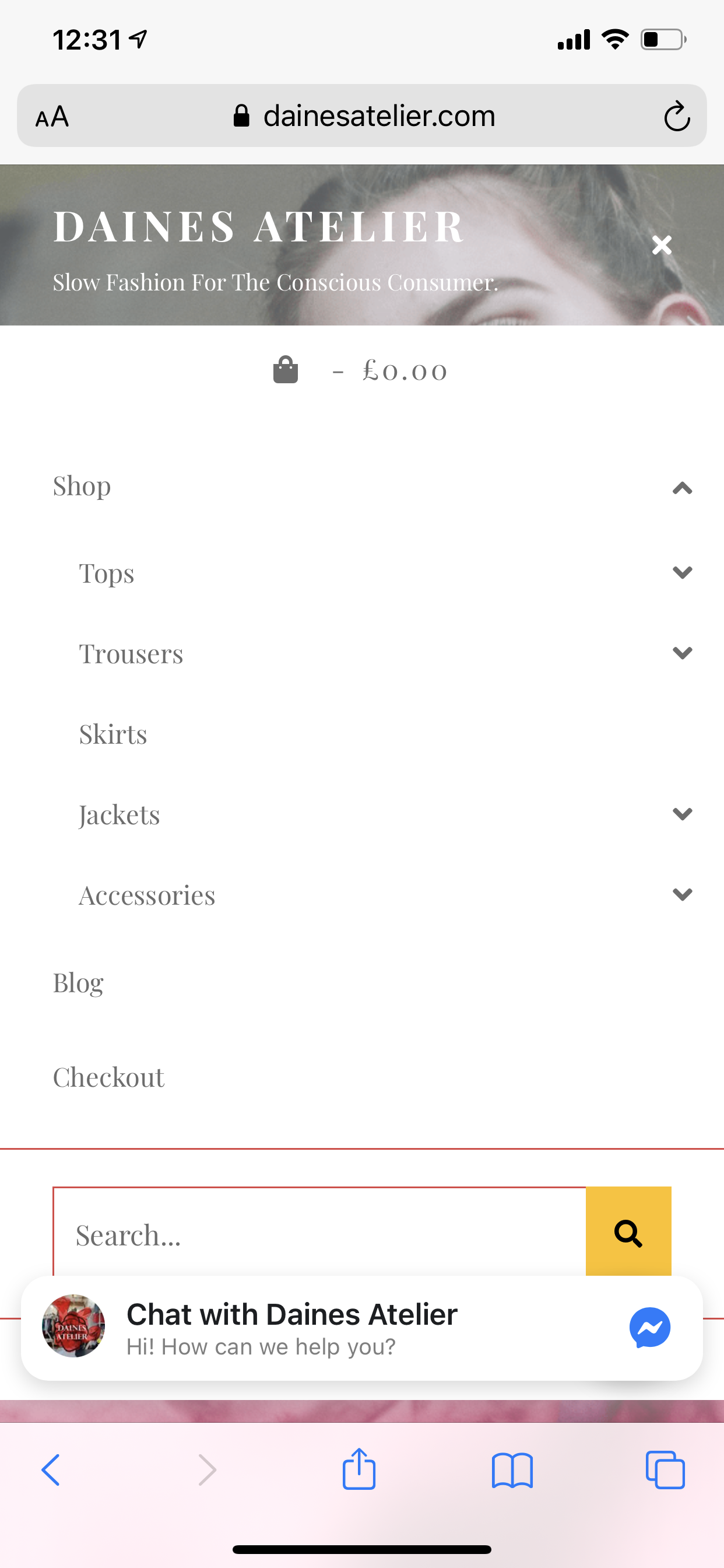
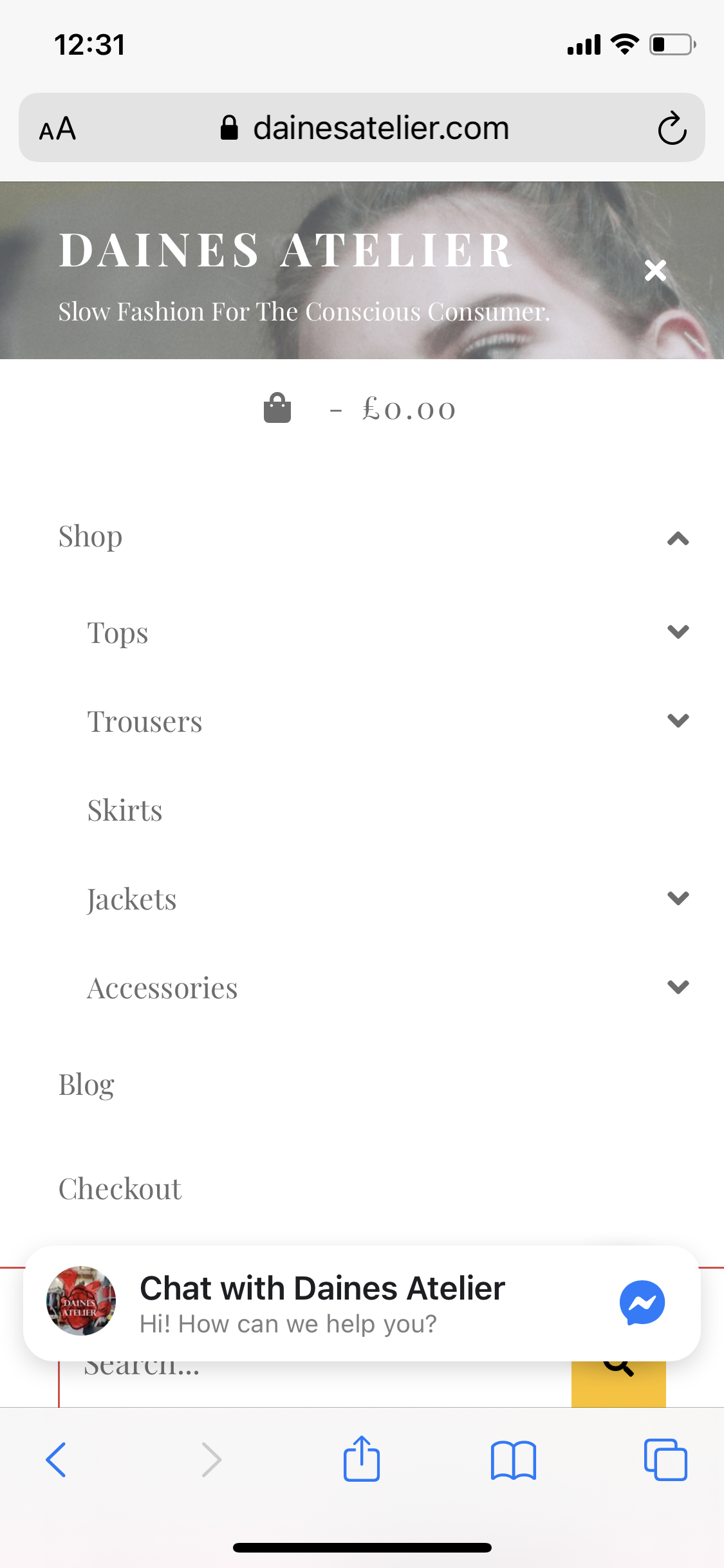
iPhone 11 Pro MAx: https://catchthemes.com/wp-content/uploads/2021/02/iPhone-11-pro-max.png
iPhone X: https://catchthemes.com/wp-content/uploads/2021/02/iPhonex.pngSakinKeymasterHi Evie,
Sorry, I was looking at a different site from Arjan.
Your site should work without the CSS. Can you remove the CSS I have you and let me know it. I will check in iPhone.
Regards,
SakinSakinKeymasterHi Evie,
I don’t see the CSS that I gave you on your site. Can you let me know once it’s added on your site and then I will debug it.
Regards,
SakinSakinKeymaster@dainesatelier: I see that you have the “Elementor” plugin and it is loading old Font Awesome CSS “Font Awesome 4.7.0” and Zubin Pro is using “Font Awesome 5.13.0”. So, until the Elementor plugin update the Font Awesome CSS, you need to add the following CSS in “Appearance => Customize => Additional CSS”
.menu-toggle:before, .menu-toggle.selected:before, .comment-reply-title small a:before, .search-toggle:before, .search-submit:before, #scrollup:before { font-family: "FontAwesome"; }SakinKeymasterGlad to hear that it’s working fine now. Thanks and have a nice day.
SakinKeymasterHi Stefanie,
Which theme did you purchase? Fortografie Pro theme is supported by the latest version of WordPress. So, what is the issue that you are having? Please check your email.
Regards,
SakinSakinKeymasterHi Michael,
The Swedish translation of the theme is made by volunteers in the WordPress.org translation team. So, you need to suggest a change in WordPress.org itself. Please check at https://translate.wordpress.org/locale/sv/default/wp-themes/e-commerce/
There is no option to change that in Free version. If you upgrade to pro version then you can change that from “Appearance => Customize => Theme Options => Footer Editor Options”.
SakinKeymasterHi Gregory,
The license key will not renew automatically. We don’t have that service yet. So, after a year if you want to renew it, you need to renew it manually. We will just notify you when it’s about to expire.
This license key is used for updates from the WordPress dashboard. So, if you don’t renew it you will be using the last updated version of the theme and it will still work.
Regards,
SakinDecember 20, 2020 at 9:26 pm in reply to: Catch Responsive free Theme – change colour of menues #268522SakinKeymasterHi Anita,
Glad to hear that you are happy now. So, if you like our support and theme, please leave us good feedback and rating at https://wordpress.org/support/theme/catch-responsive/reviews/#new-post. We will really appreciate that.
Regards,
SakinDecember 18, 2020 at 3:12 pm in reply to: Catch Responsive free Theme – change colour of menues #268432SakinKeymasterHi ANita,
I don’t see the secondary menu on your site. Are you trying to change the color of the menu in your footer which is just above the Copyright text? Then add the following CSS:
.site-footer .menu a {
    color: #fff;
}
Regards,
SakinSakinKeymasterOk let me take a look at it.
SakinKeymasterHi Luca,
Can you post in your site URL and let me know what is the issue? As the slider is working fine in my local server and we haven’t updated the theme since May 18, 2020. So, it might be a plugin/script issue. Send me more details.
Regards,
SakinSakinKeymasterHi Amor,
Thanks for your purchase and please check this for installations https://catchthemes.com/faq/how-to-install-themefor-pro-theme/
Regards,
SakinSakinKeymaster@dino_emma: Sorry for the issue and I have manually activated your account. Please check now.
December 15, 2020 at 1:54 pm in reply to: Catch Responsive free Theme – change colour of menues #268132SakinKeymaster@chiara1818: To change the secondary menu text color to white you can add the following CSS in “Appearance => Customize => Additional CSS”
.nav-secondary .catchresponsive-nav-menu a { color: #fff; }SakinKeymasterHi Rosa,
Sorry for the issue and we have fixed the issue and release the update. Please update to the latest version 1.8.1.
Installation Instructions: https://catchthemes.com/faq/how-to-install-themefor-pro-theme/
Update Instructions: https://catchthemes.com/faq/how-do-i-upgrade-to-a-new-theme-version-if-i-have-modified-my-theme/Regards,
SakinDecember 12, 2020 at 11:14 pm in reply to: Child-theme: a new entry in Style.css doesn’t work #267903SakinKeymasterHi Ernesto,
I see the issue from your reply “The only positive response was by deactivating of W3 Total Cache plugin.”. So, this is clearly a cache issue. As W3 Total Cache does a lot of caches and any changes in files will not show until you clear your cache.
The Additional CSS is not cached by W3 Total Cache and it only caches the theme files. This is the reason that it works in Additional CSS and doesn’t in the child theme file. So, clear your W3 Total Cache plugin cache files.
Please read this on how to clear cache https://www.wpbeginner.com/beginners-guide/how-to-clear-your-cache-in-wordpress/
Regards,
SakinDecember 11, 2020 at 3:52 pm in reply to: Child-theme: a new entry in Style.css doesn’t work #267819SakinKeymasterHi Ernesto,
What is your child theme used for? Is there just CSS edits, if so then I recommend moving your edited CSS to “Appearance => Customize => Additional CSS” and just use the parent theme itself. But if you have done advance customization then yes, you need a child theme.
There might be an issue with plugins as you said it was working before. So, please update your plugin and also check or cache, minify plugins for settings. Also if you are using Cache plugins then you need to clear the cache and minify plugin to reset it.
There might be an issue of incorrect settings in the child theme. So, we need to check your child theme functions and CSS.
Also, let us know what is your main issue.
Regards,
SakinNovember 19, 2020 at 3:51 pm in reply to: Not receiving an activation link, nor the theme pro I’ve purchased with PayPal #266154SakinKeymasterHi kviv1,
Welcome, and you too have a nice day/evening. I am in Pacific time, so Good Afternoon here.
Regards,
Sakin -
AuthorPosts