Viewing 8 posts - 1 through 8 (of 8 total)
  • Author
    Posts
  • #343041

    I have switched off showing the categories name in settings, but it doesn’t work on the post pages. Is there a CSS available to switch off showing the categories? Thank you!

    #343047
    Sakin
    Keymaster

    @zenkeran: Can you share the URL of the page?

    #343050
    #343061
    sujeet
    Keymaster

    Hello @zenkeran,

    Thanks for sharing the URL. However, I’m sorry to say that I couldn’t find any categories on that page.

    Are you referring to hiding the posts highlighted in the screenshot below?

    cate<br />

    If that’s what you would like to hide, you can disable it from the Customizer. Please go to:

    Dashboard => Appearance => Customize => Theme Options => Homepage/Frontpage Options => Display Recent Posts/Content on Homepage

    Then simply disable this option.

    Please let me know if this is what you were trying to do. Thank you!

    Regards,
    Sujeet

    #343067

    Hello Sujeet,

    this is not what I mean.

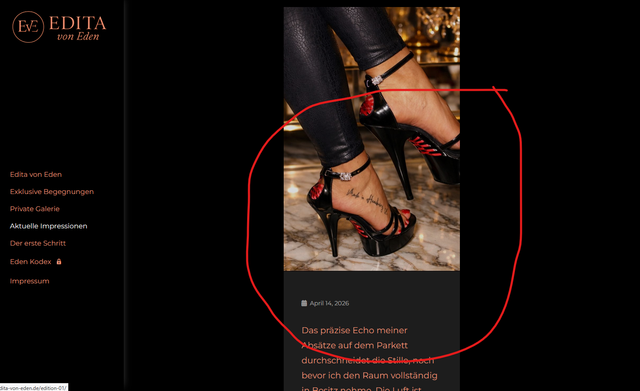
    At the end of each single post page, the category is displayed (after clicking “read more” on the post grid).

    How can I switch this off? Is there a CSS available?

    Kind regards,

    André

    #343071
    sujeet
    Keymaster

    Hello André,

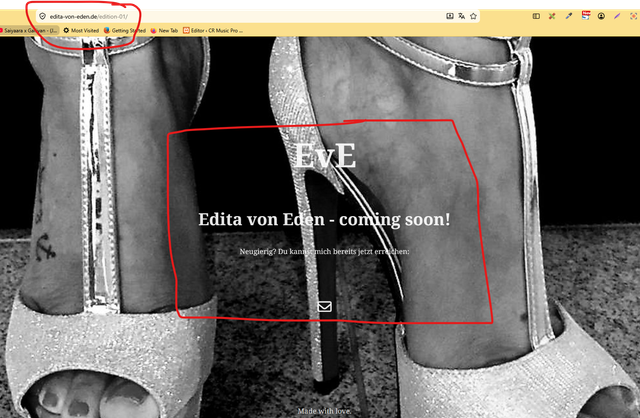
    Sorry to say, but I couldn’t find any categories on your pages or posts. All the posts I see are displaying a “Coming Soon” message along with an email icon.

    post

    Could you please send a screenshot of the page or post and highlight where the category appears? This will help us understand the issue more clearly.

    Thank you.

    Regards,
    Sujeet

    #343072
    sujeet
    Keymaster

    Hello André,

    Please try the following CSS code and see if it helps:

    
    .entry-footer .entry-meta {
       display: none;
    }
    

    Thank you.

    Regards,
    Sujeet

    #343112

    Hello Sujeet,

    thank you! It works wonderful 🙂

    Kind regards

    André

Viewing 8 posts - 1 through 8 (of 8 total)
  • You must be logged in to reply to this topic.