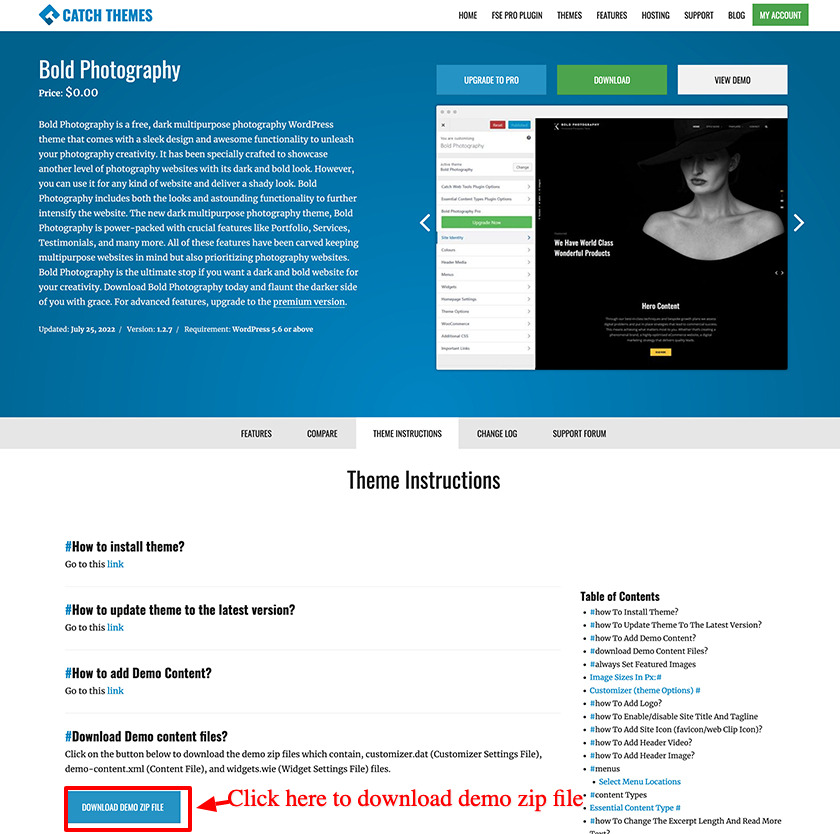
With our themes installed and activated, you can easily import your desired theme demo in just a few clicks.
A. Import Demo Content from GitHub
- To import your theme demo data, visit this link: https://github.com/catchthemes/ct-demo-import/tree/master/import-files and click on the theme that you desire to import data of.
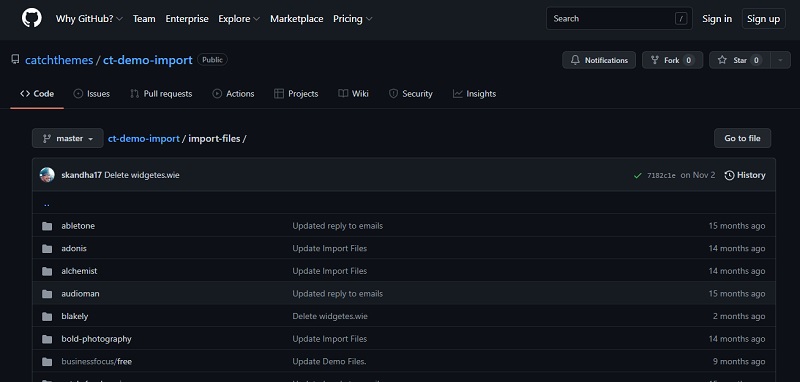
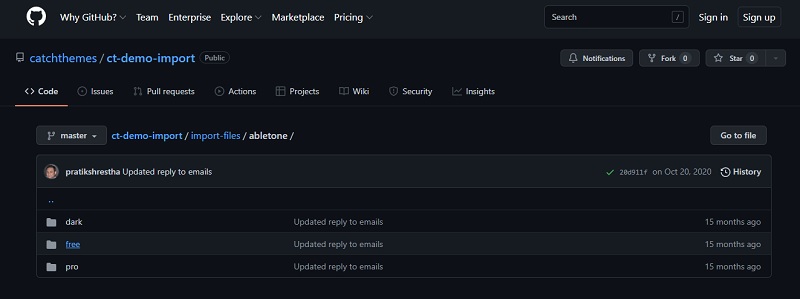
- Then, choose the correct version of the theme and simply download the necessary demo files.
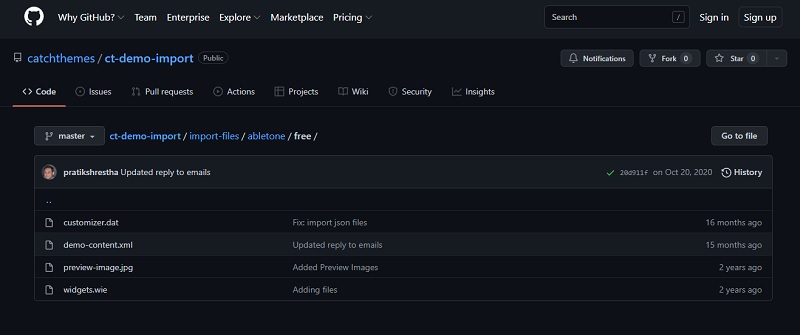
- You need to download the .DAT, .XML, and .WIE files of the respective theme and upload them while importing your demo data.
A. Import Demo Content from Theme Page
For easy access, we have started to add demo content zip files on the theme page under the Theme Instructions tab.