
Option to edit footer content is available in our Premium themes only. Here are the steps to edit footer content:
-
Go to “Appearance => Customize => Theme Options => Footer Editor Options”
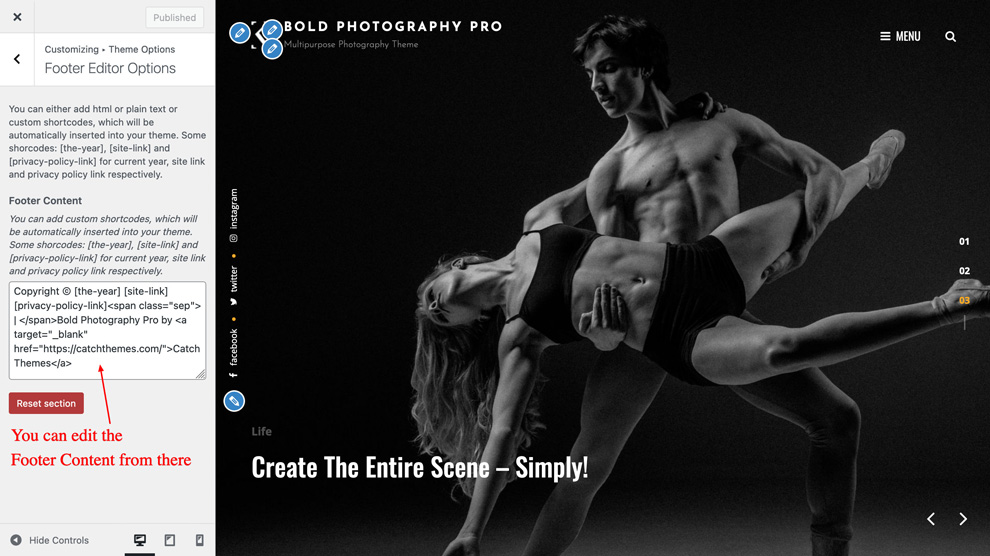
- Under “Footer Content”, you can either add html or plain text
- Finally, click on “Save & Publish”