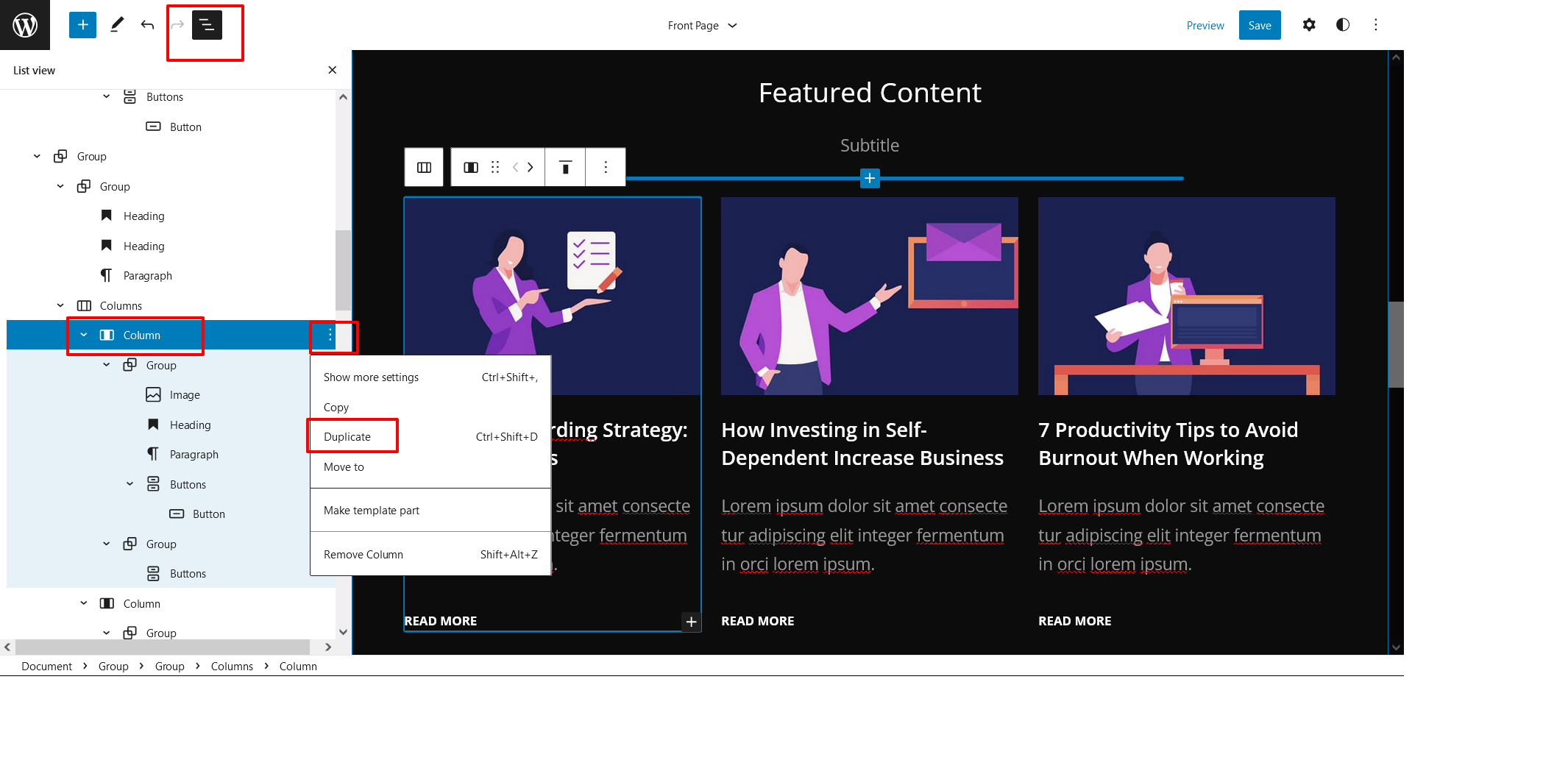
Duplicate section can be used if you want to add a similar section in your pattern. Duplicate section is a very easy step to add on particular sections in your pattern.
For Example: If you want to add one more column in between your Featured Content duplicate option can be used, as it will create a similar section and you can edit the content accordingly
There are two ways you can duplicate the sections
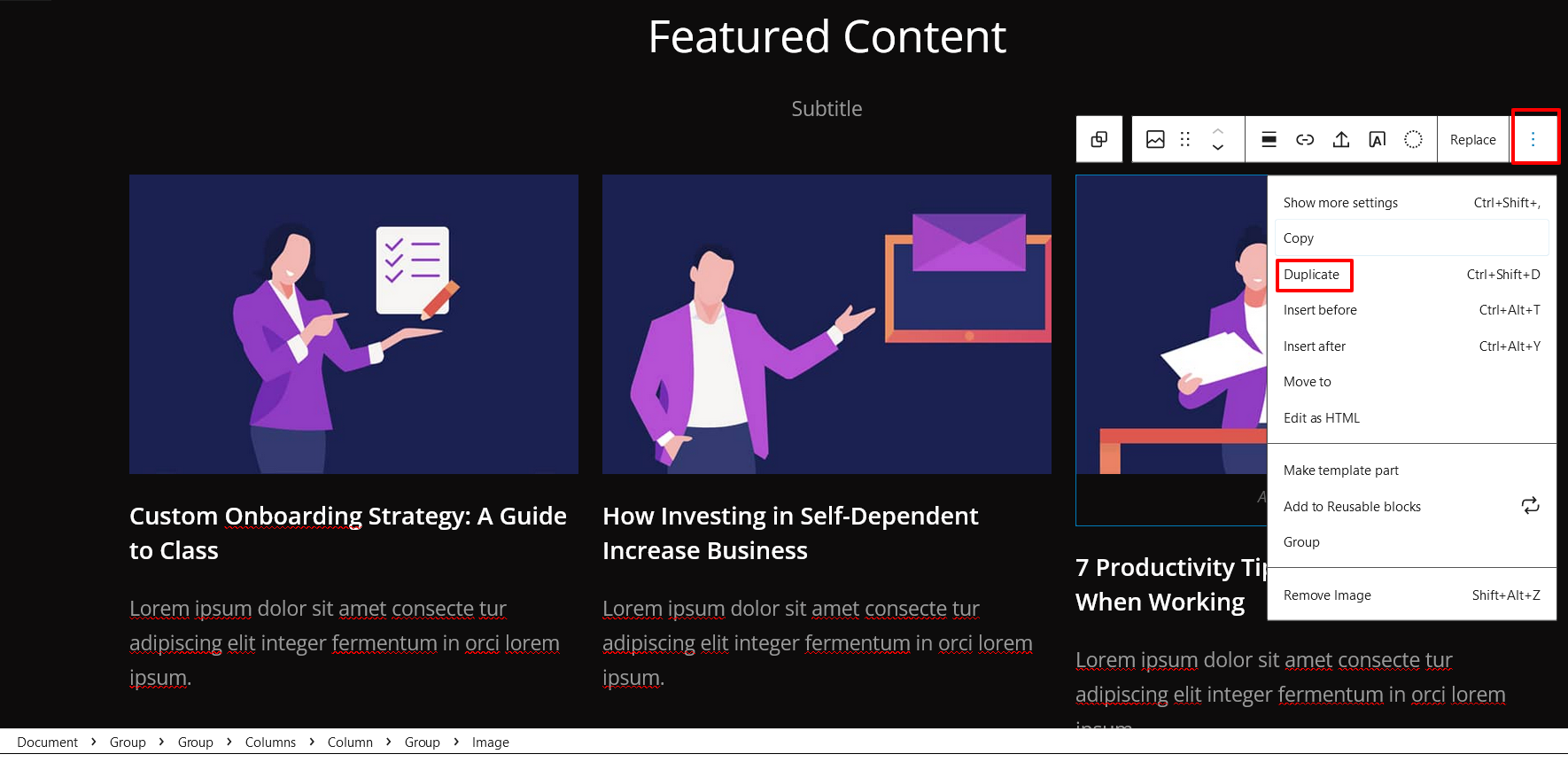
1. By clicking content itself
- Click on the section of your pattern you want to duplicate, there you will get tools option click on 3 dots on right side and you will find duplicate option there. This image is an example :
2. By ListView Option
- Select the column via ListView, then click on three dots and select Duplicate then change the content accordingly