
- Click on “+” sign on the top bar to display Blocks and Pattern
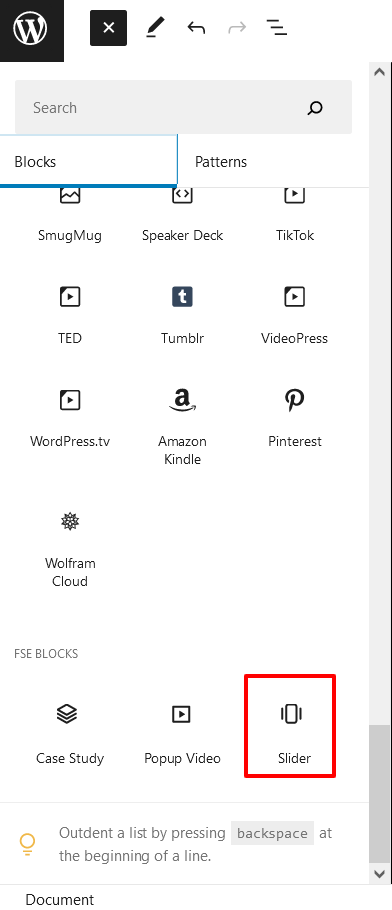
- Scroll down and to find “FSE Blocks”, then add Slider or Click on
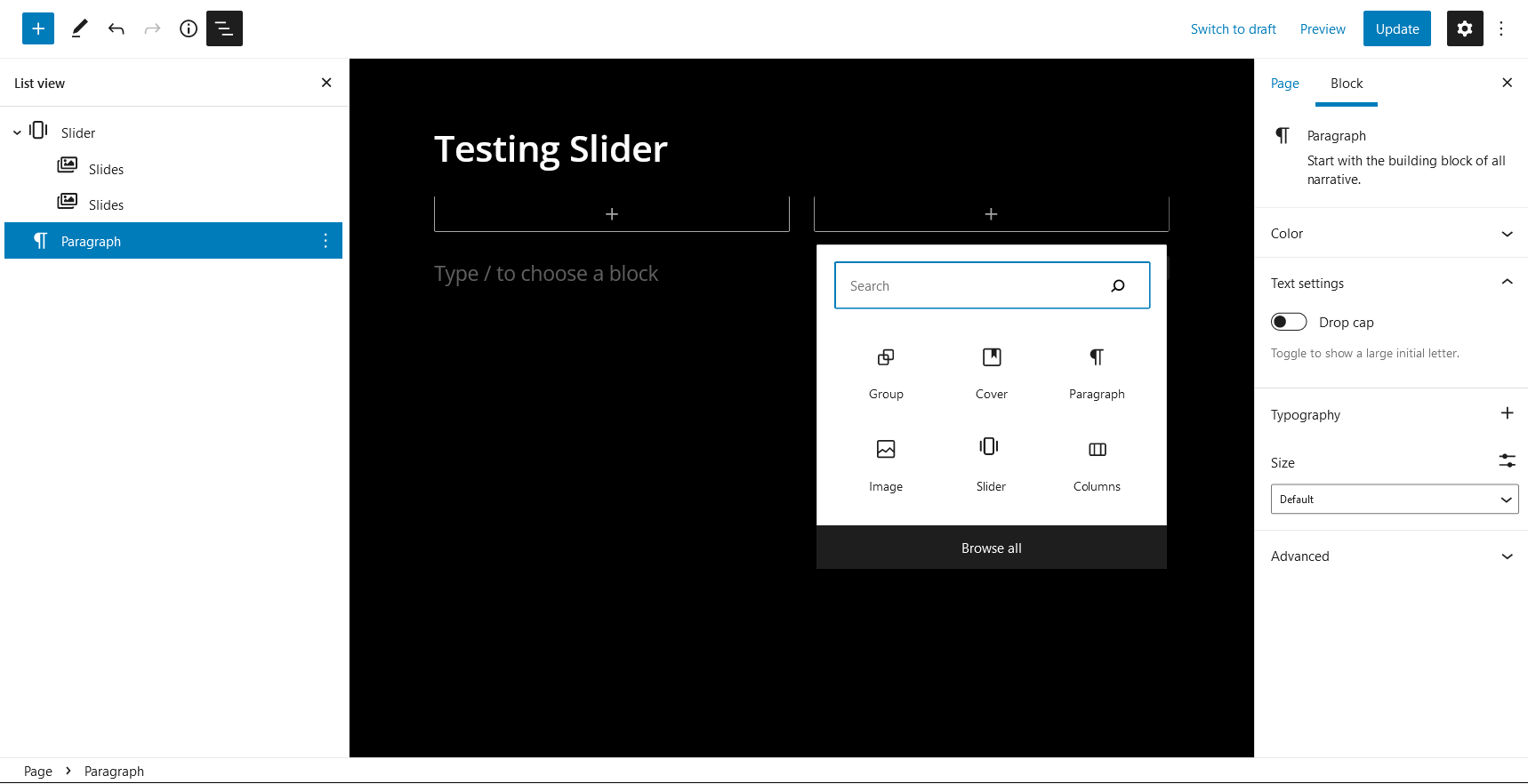
- Click on “+” sign then add necessary blocks like: images, text as per your requirement
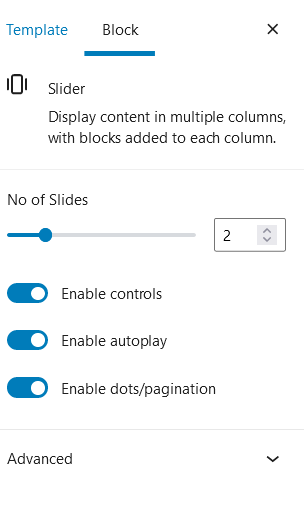
- On setting Number of slides: Number of slides being displayed in the viewport. If slides less or equal than items, the slider won’t be initialized. Note: Default slider set to 1
- Further option to enable/disable Controls, Autoplay and Dots/Pagination
- Finally, Click “SAVE” to save changes